
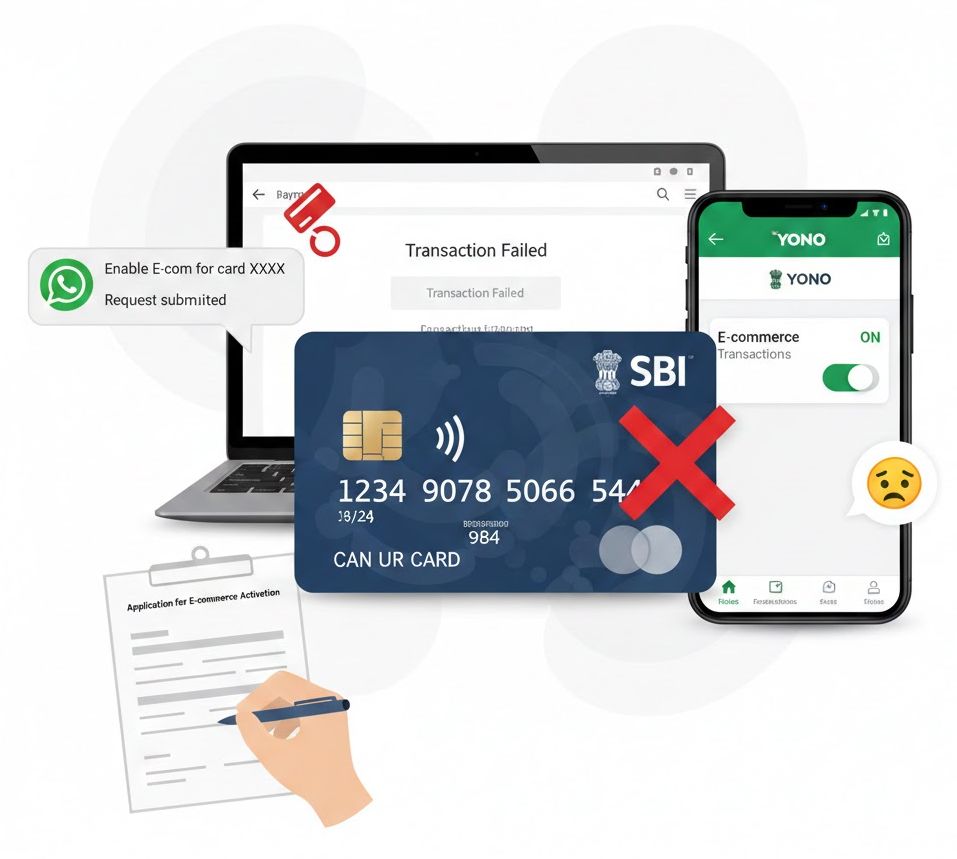
Many State Bank of India (SBI) customers have recently faced a frustrating issue after receiving a new physical or virtual debit card. Even though the card appears active, online payments, shopping, and bill payments keep failing. This problem is linked to a recent SBI back-end software upgrade that has changed how E-commerce (E-com) permissions are applied to newly issued cards.
In many cases, the YONO app or Net Banking may show E-commerce transactions as “enabled,” but the permission is not actually activated on SBI’s core banking server. This guide explains the issue in detail and answers the most common questions, along with the verified solutions that actually work.
Frequently Asked Questions (FAQs)
1. Why is my new SBI debit card getting declined for online transactions?
Due to a recent SBI software upgrade, many newly issued debit cards have E-commerce transactions disabled at the back-end by default for security reasons. Even if your YONO app shows the option as “ON,” the instruction may not have synced with SBI’s main transaction server, causing online payments to fail.
2. Can this issue be fixed using the YONO SBI app?
In most cases, no. Many users report that toggling E-commerce settings in the YONO app or the new Net Banking interface only changes the display status. The actual back-end block remains active, so transactions continue to fail despite showing as enabled.
3. How can I enable E-commerce transactions using the old SBI Net Banking portal?
One effective workaround is using the Old or Classic SBI Net Banking portal. After logging in, switch to the old interface, go to e-Services → ATM Card Services, and manage card usage types and limits. This older portal often has direct access to permissions that the newer interface currently lacks.
4. Can SBI WhatsApp Banking help fix this problem?
Yes. SBI WhatsApp Banking has proven to be an effective solution for many users. By chatting with the official SBI WhatsApp bot and requesting to enable E-commerce transactions, the instruction may reach SBI’s automated systems directly, bypassing the sync issue seen in the YONO app.
5. Is visiting the SBI branch really necessary?
If digital methods fail, visiting your home branch is the final and most reliable solution. You will need to submit a written request asking the bank to enable E-commerce transactions from the back-end. A bank official can manually update your card profile, and the issue is usually resolved within 24 to 48 hours.
Conclusion
While SBI’s recent software upgrades are aimed at improving security, they have unintentionally caused inconvenience for customers who rely on online payments. If your new debit card is not working for E-commerce transactions, repeatedly toggling settings in the YONO app may not help.
Instead, try SBI WhatsApp Banking or the classic Net Banking portal. If the issue still persists, a short visit to your branch with a written request will permanently resolve the problem. Staying aware of such bank-side changes helps you avoid unnecessary stress and ensures uninterrupted digital payments.